How to Export Pay Down Credit Card Transactions from QuickBooks Online using SaasAnt
February 25, 2026
At a Glance
The Solution: Use SaasAnt's Download (Export) feature to extract your Pay Down Credit Card transactions into a clean Excel/CSV format.
The Key Benefit: Pay Down Credit Card is a dedicated QBO transaction type that records payments from a bank account to a credit card liability. Exporting these transactions lets you quickly verify that all credit card payments are accounted for correctly and haven't been misrecorded as Expenses.
Quick Steps: Quick Access > Download (Export) > Select Pay Down Credit Card > Search > Download.
Getting Started
Install: Get SaasAnt Transactions from the QuickBooks App Store and start a free trial.
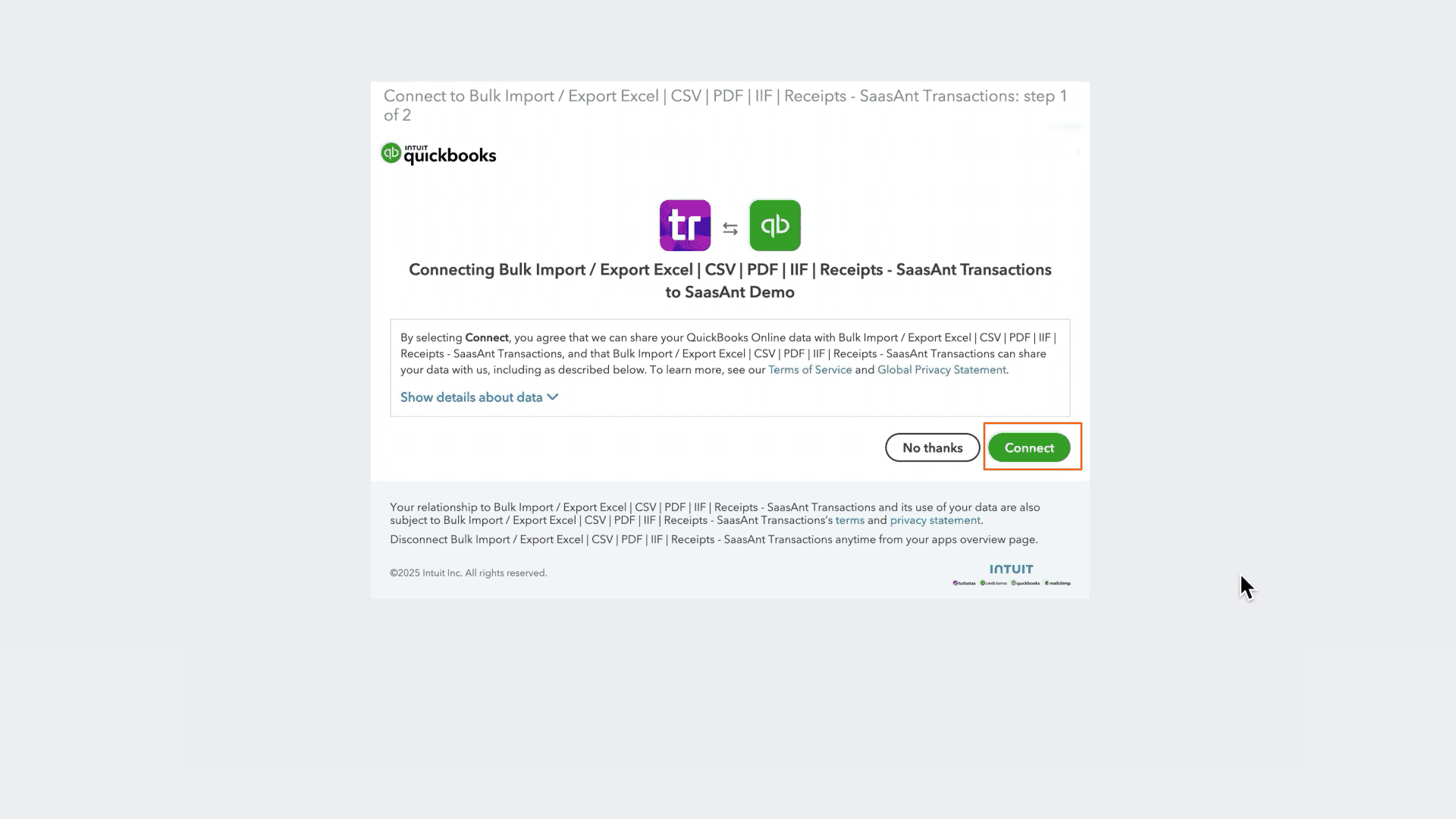
Connect: Securely authorize the connection to your QuickBooks Online company. We do not store your data; we simply process the transfer.
How to Export Pay Down Credit Card Transactions Step-by-Step
1. Navigate to Download (Export)
From the Quick Access, click the Download (Export) button listed in the main menu.
2. Select Entity
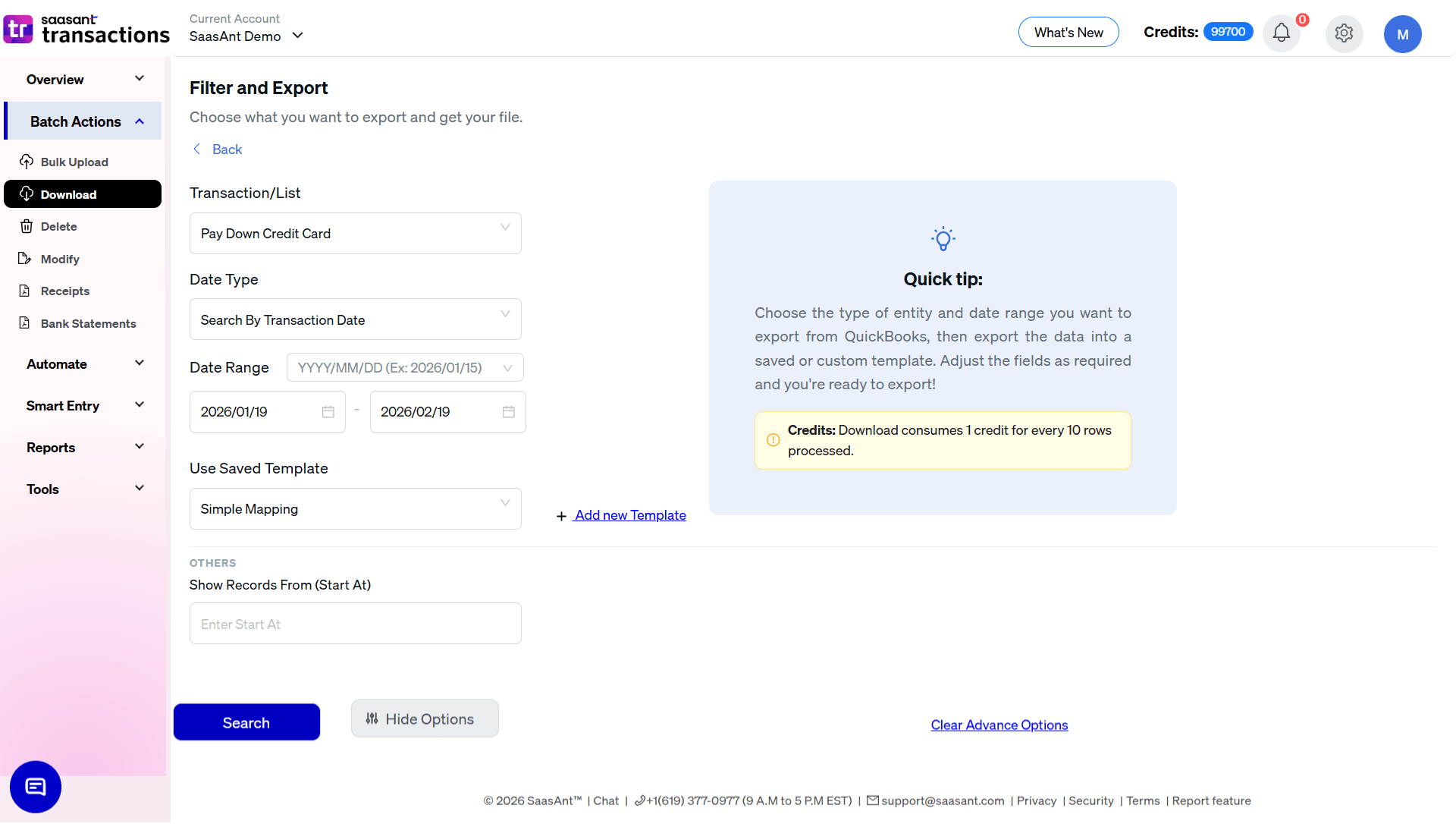
In the Transaction/List dropdown, select Pay Down Credit Card.
3. Select Date Strategy
Pay Down Credit Card is a transaction type, so the default Date Type is Search By Transaction Date the actual date the credit card payment was made. This is the most useful setting for matching payments against bank and credit card statements during reconciliation.
4. Set Date Range & Format
Range: Enter your Start and End dates to capture the period you want to review. For a full payment history, set the start date back to when your company first recorded credit card payments in QBO.
Format: Use the dropdown inside the date box to pick your preferred format (e.g., DD/MM/YY).
5. Select Template
In the Use Saved Template dropdown, leave it as Simple Mapping for a standard export.
Tip: Create a custom template using the Add new template option if you are exporting these records to reconcile against an external bank statement or credit card portal that requires specific column headers.
6. Configure Filters & Search
The Pay Down Credit Card export screen is intentionally minimal:
Show Records From (Start At): Use this to chunk large exports if you have a large volume of credit card payments to process.
Click the Search button to preview results.
7. Review & Download
After clicking Search, the data preview grid will load:
Verify Transactions: Review the records to confirm the expected payment dates and amounts are captured.
Total Records: Check "Total records found" to ensure the volume matches your expected number of credit card payments for the period.
Select Format: Click the Download button at the bottom right, choose .xlsx (Excel) or .csv, and the file will download.
Automate with Backup
If you need a recurring archive of your credit card payments for monthly reconciliation or audit purposes, use the Backup module.
Set it and forget it: Schedule daily, weekly, or monthly exports.
Delivery: Have files automatically sent to email, FTP, or storage integrations without logging in.
FAQ
Can I re-import this file to create Pay Down Credit Card transactions in a new company?
Yes. The exported file is compatible with SaasAnt's import feature, allowing you to bulk-create Pay Down Credit Card transactions in a new or restored QBO company file.