How to Connect Etsy with QuickBooks Online using PayTraQer?
November 13, 2025
How to integrate Etsy with QuickBooks Online using PayTraQer
PayTraQer connects your Etsy shop to QuickBooks Online. It syncs orders, refunds, fees, and payouts using your rules so bank deposits match and reports stay accurate.
Who this is for
Bookkeepers and accountants who support Etsy sellers
Etsy shop owners who want clean books without manual entry
Teams comparing sync tools and looking for a safe first setup
Before you start
An active QuickBooks Online company
QuickBooks Online login with admin access
Your Etsy shop credentials
Quick setup: 5-minute success path
In QuickBooks Online, open Apps or Integrations, search PayTraQer, click Get app now, and authorize.
Choose Sync Mode: Consolidated (summary) or Itemized (one entry per order). Click Get Started.
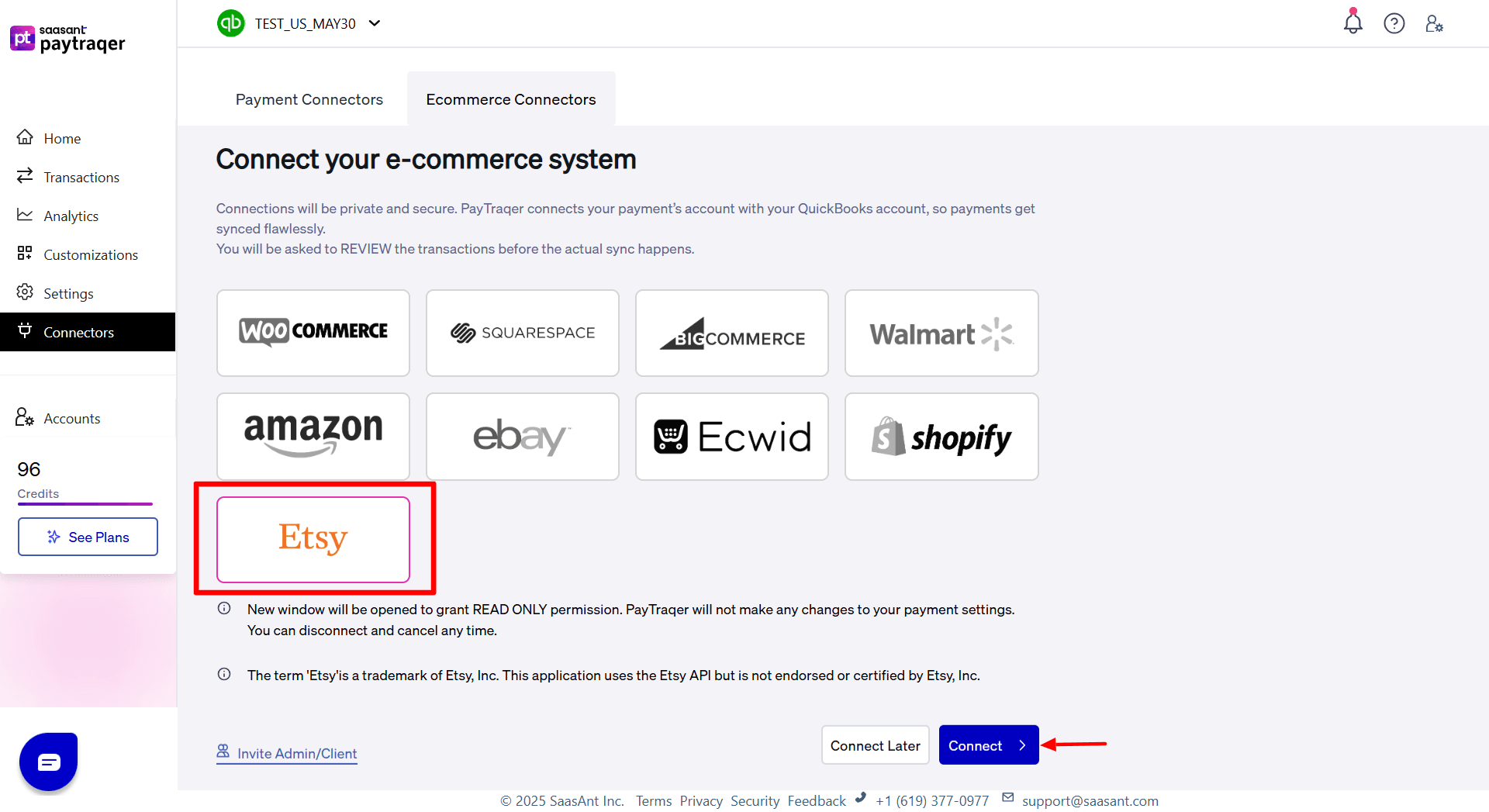
In PayTraQer, go to Connectors → eCommerce connectors → Etsy → Connect, then sign in and approve.
Set Bank Account to deposit your sales/income to your Etsy Bank Account. Save.
PayTraQer downloads 60 days Etsy data automatically.
Turn on Auto Sync to fetch and post new orders on a schedule.
In QuickBooks, verify one sale, one fee, and if enabled, one payout.
What the sync does
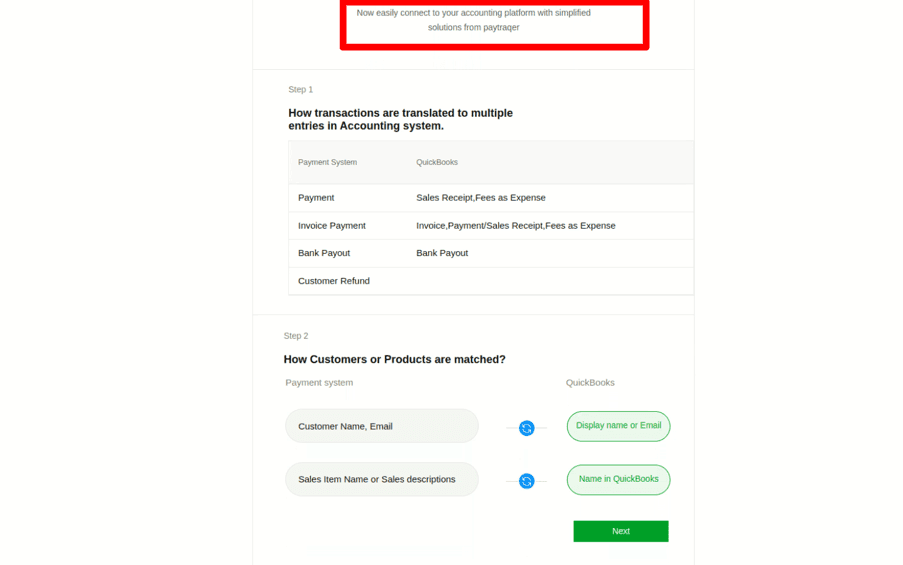
Commerce system | QuickBooks entry created |
Payment | Sales Receipt, Fees as Expense |
Invoice Payment | Invoice, Payment or Sales Receipt, Fees as Expense |
Bank Payout | Bank Payout |
Customer Refund | Refund |
Expense | Expense |
Notes
Fees post as Expenses to your chosen fee account with vendor set to Etsy.
Bank Payouts post when payouts are enabled in settings.
Step by step Guide to Connect Etsy with QuickBooks Online
1) Install PayTraQer from QuickBooks
Open Apps or Integrations in QuickBooks Online
Search PayTraQer and click Get app now
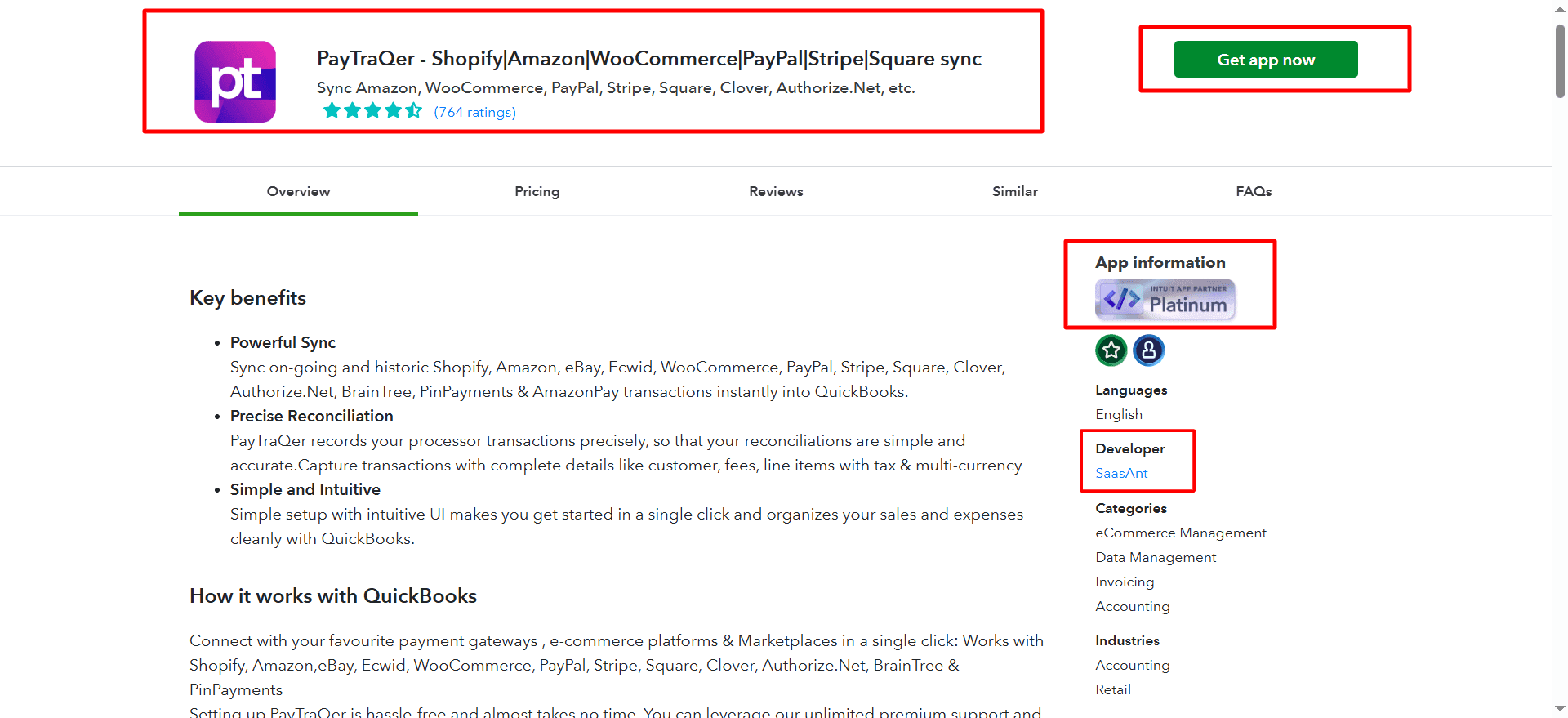
Click Connect to allow access
2) Pick your Sync Mode
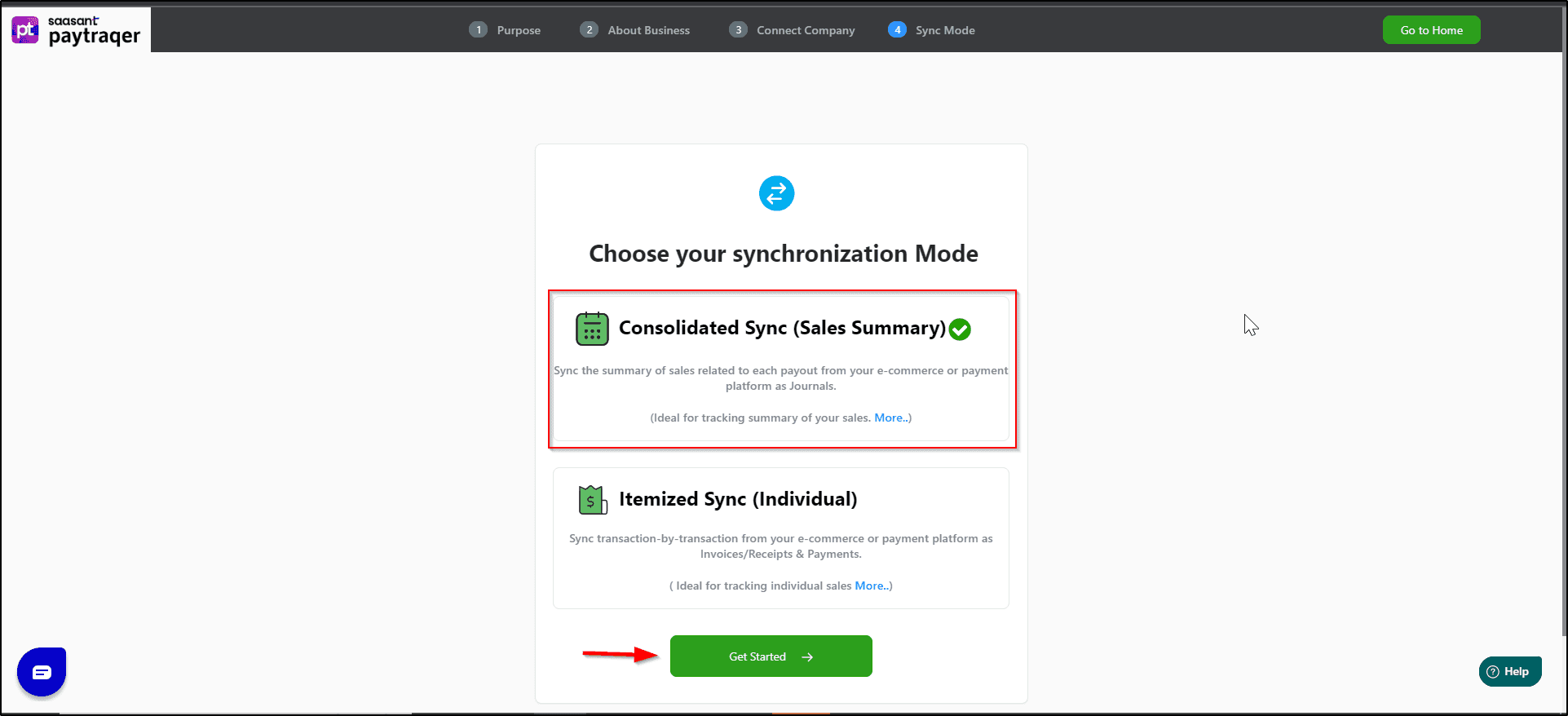
Choice | When to use | What you get |
Consolidated (Sales Summary) | High order volume, want quick bank match | Fewer entries by day or payout; limited customer and item detail |
Itemized (Individual) | Need customer or item reporting | One entry per order with full detail |
You can change this later in settings. Test a short date range before switching.
3) Connect Etsy
In PayTraQer, open Connectors → eCommerce connectors → Etsy → Connect
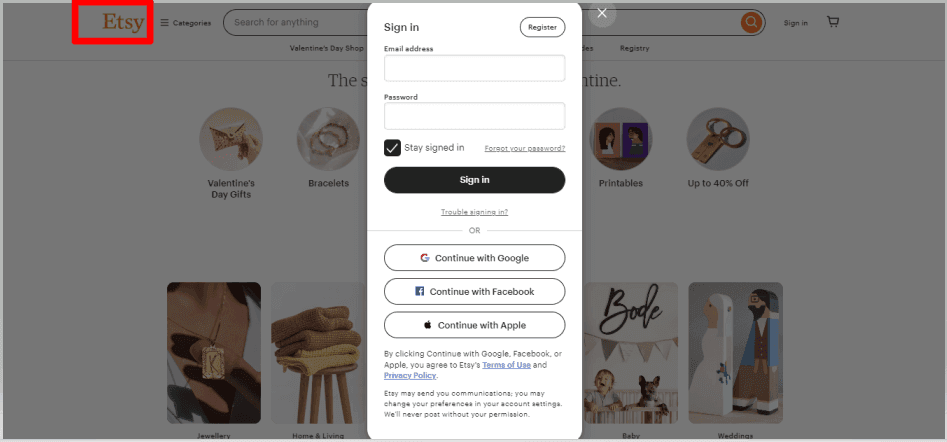
Sign in to Etsy and approve access
Etsy Connected Successfully
4) First-time settings
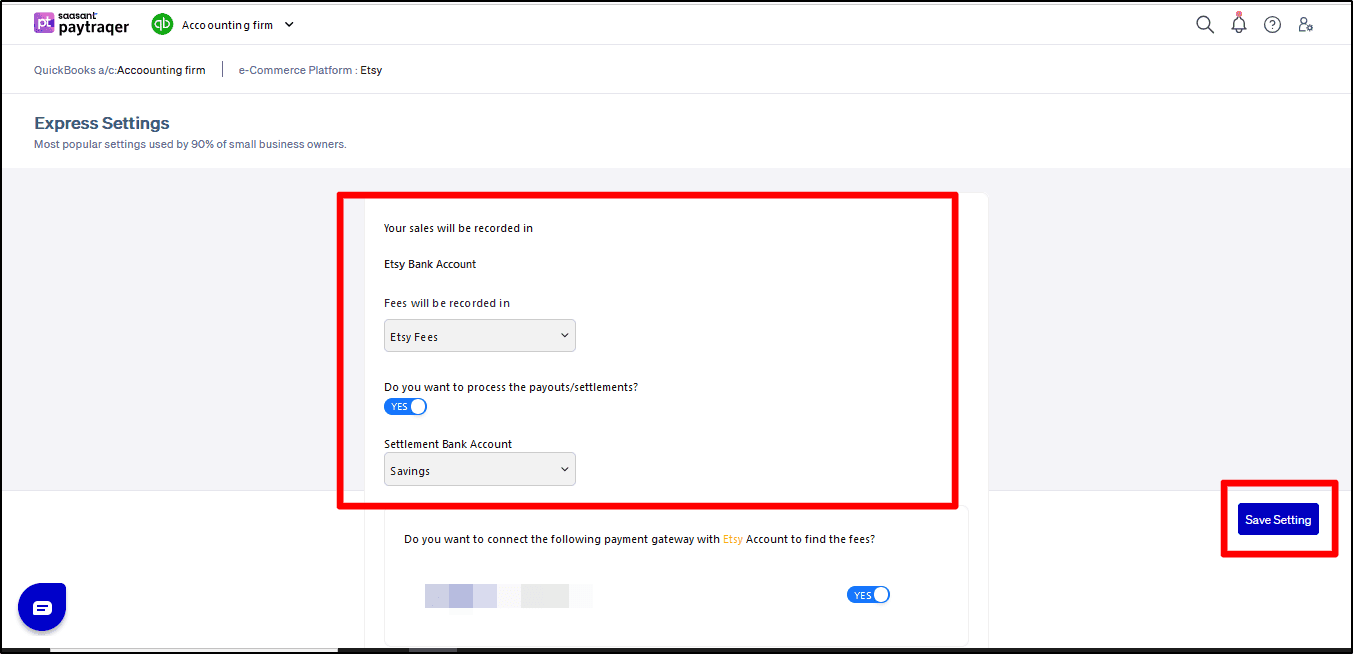
Sales clearing bank: set Bank Account to deposit your sales/income to your Etsy Bank Account per currency
Record the Sales as: choose Sales Receipt if you collect at checkout, or Invoice + Payment if you bill first
Fees: set Vendor = Etsy and choose your fee expense account
Payouts: turn on if you want PayTraQer to post Bank Payout entries to your checking account
Save to finish the initial setup
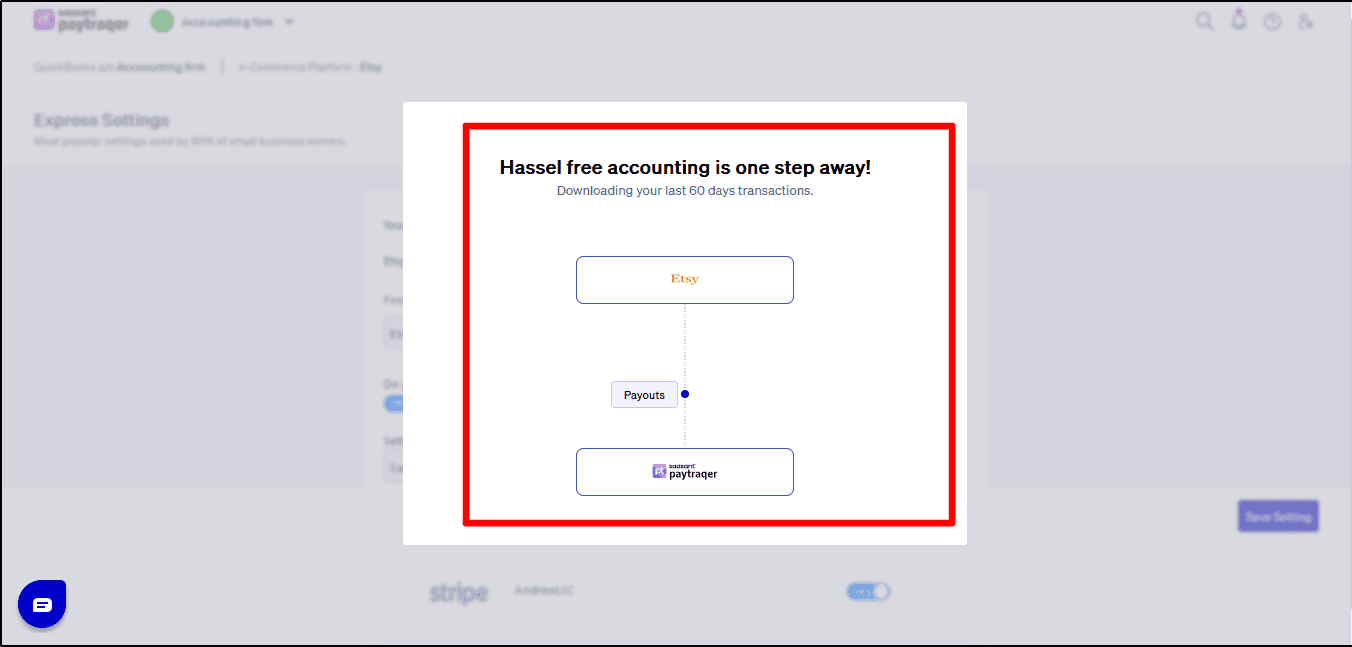
PayTraQer automatically downloads the last 60 days transactions.
History and automation
Download historical transactions: after first connect, pull other periods using the date filters
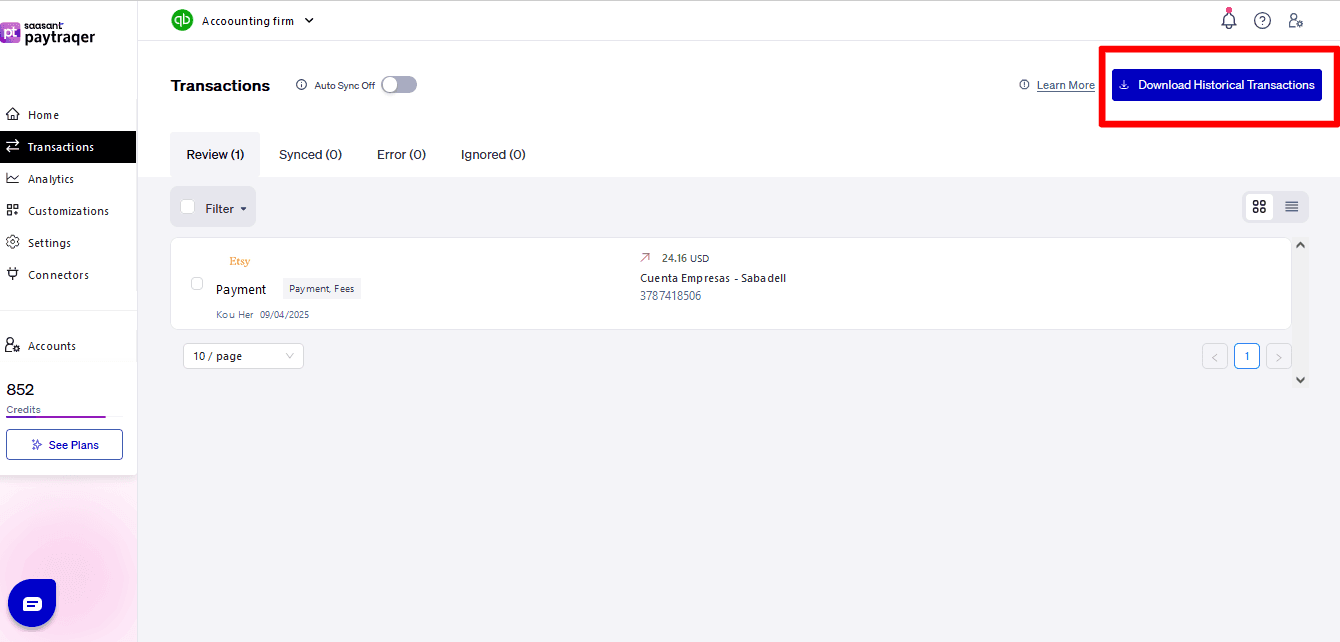
Auto Sync: toggle on and set the interval to download and post new activity automatically
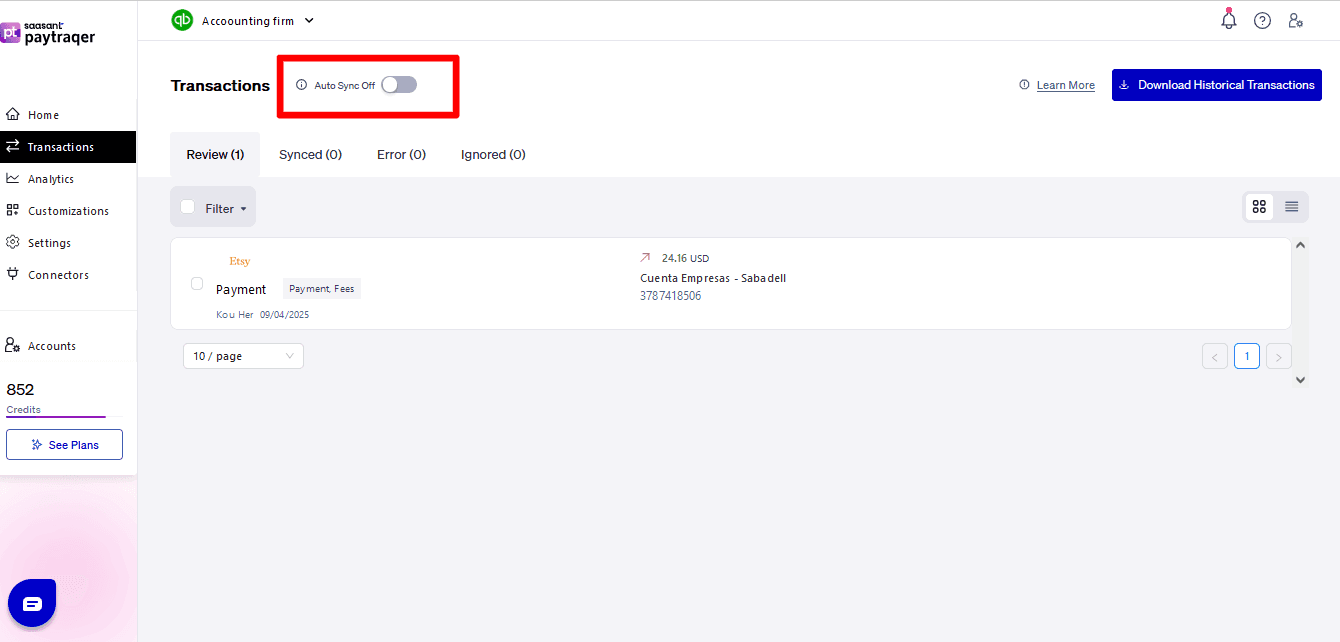
Verify your first sync
Use a short date range, then check these in QuickBooks:
A sale posts to the Etsy Bank Account with the correct form and Payment Method = Etsy
Customers map correctly or a Common Customer is used
Items exist, map correctly, or were auto-created to the right income account
One fee posts to your fee account with the vendor = Etsy
Tax code and amount look right
If payouts are on, a Bank Payout moves funds to checking and matches the bank deposit
Troubleshooting
No data after connect
Recheck Etsy authorization and connector status. Confirm date filters.Deposits do not match
Turn on payouts and select your checking account as the receiving account.Clearing account does not zero
Post sales and fees to the same clearing bank and enable payouts.Wrong item or duplicates
Switch Match Product by to SKU or Name. Add Product Matching rules. Consider turning Auto-create items on.Duplicate customers
Add Customer Matching rules or use a Common Customer for summaries.Tax looks off
Review Auto Tax, Inclusive, Shipping, and Default tax code settings. Test again.Only need fee entries
Turn on Skip sales, fees only in Sales settings.
FAQs
Can I sync a daily summary instead of each order?
Yes. Choose Consolidated during setup or change it later in Sync Mode.
How do I record Etsy fees to one expense account?
In Fees settings, set vendor to Etsy and choose your fee expense account.
How do payouts match my bank feed?
Turn on Payouts. PayTraQer posts a Bank Payout from clearing to checking that matches the deposit.
Can I bring in historic transactions?
Yes. Use Download historical transactions with date filters.