How to purchase a license for SaasAnt Transactions (Desktop)?
February 6, 2026
Purchase License for SaasAnt Transactions (Desktop):
Licensed Version of SaasAnt Transactions (Desktop) brings you the following benefits.
1. Unlimited Imports, Exports, Edit, and Delete Transactions or Lists.
2. Premium Support Via Chat, Email, and Phone.
3. Personalized Training and Demo of SaasAnt Transactions (Desktop).
4. Free Software Upgrades.
Steps to Purchase License for SaasAnt Transactions Desktop:
Step 1: Go to the SaasAnt Transactions Desktop Pricing Page.
Step 2: Select your preferred plan
Step 3: Click Buy Now
Step 4: Accept to Terms and Conditions and click Continue
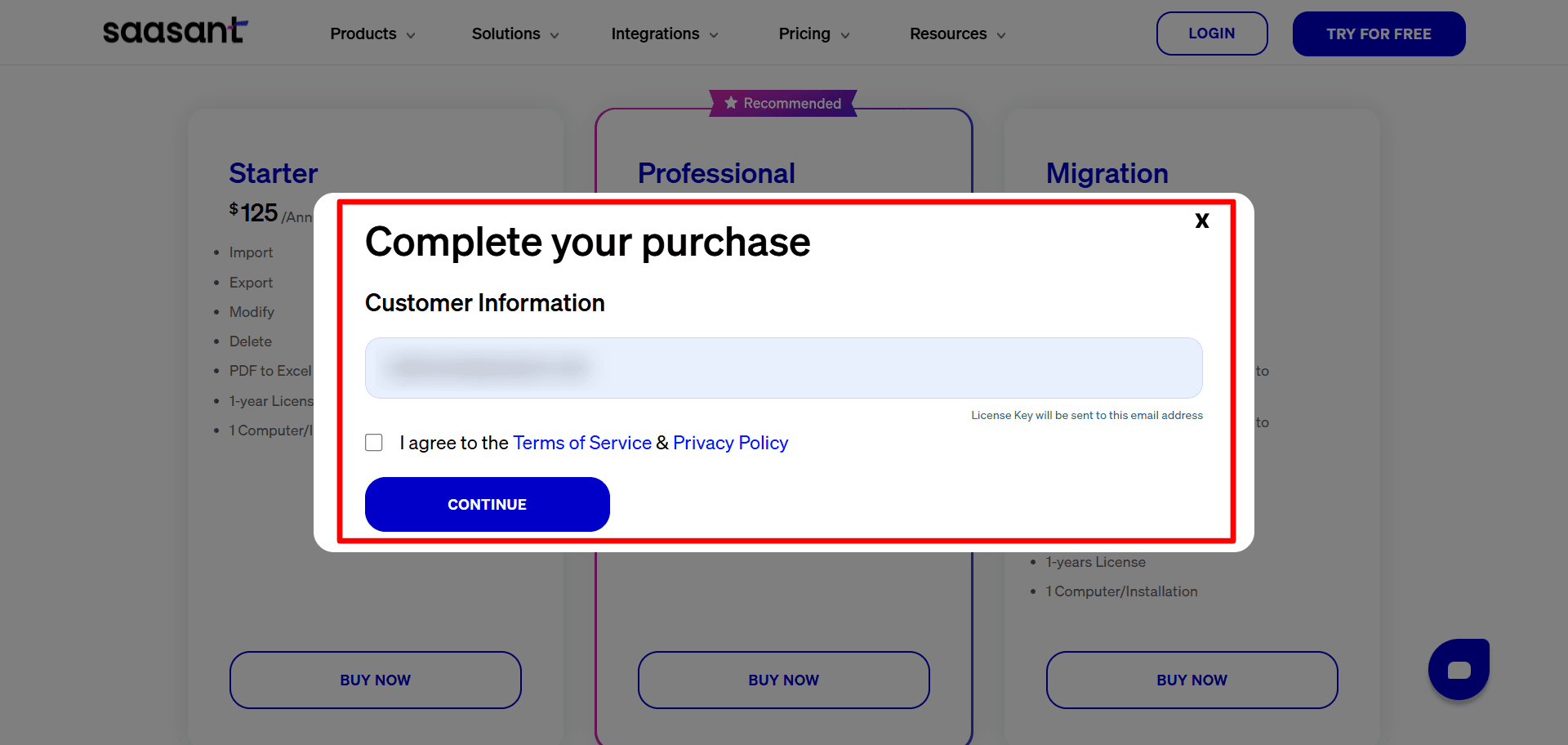
Step 5: You will be redirected to the Payment Gateway.
Step 6: Complete the Payment
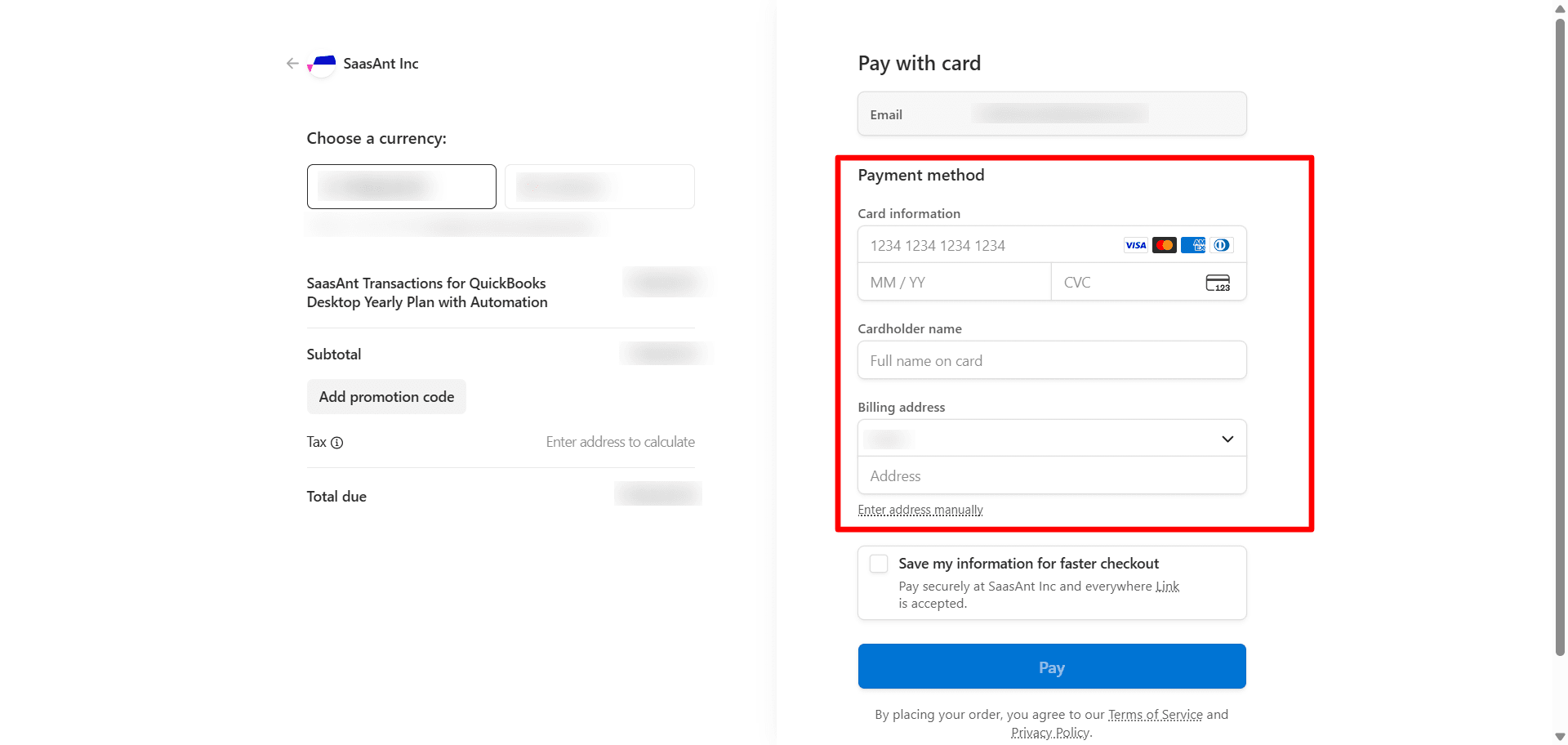
Step 7: Invoice and License Key information will be sent immediately after the successful payment.


FAQ
What file types does SaasAnt Transactions Desktop support for importing into QuickBooks Desktop?
SaasAnt Transactions Desktop supports XLS, XLSX, XLSM, CSV, TXT, and IIF.