Get Email Reports for your Imports from SaasAnt Transactions Online
January 1, 2025
Why do we need to get emails for QuickBooks imports?
The ultimate advantage is you don’t need to wait and see the computer screen for successful imports. Just click and forget it. SaasAnt Transactions (Online) will send you an email with links. You can get back to our application using the email link and see the detailed report about your QuickBooks Imports.
If you want to know about the files which you have uploaded in past, these emails help you to organize better.
In the Upload screen, the “Settings” button is available. It will open up a bunch of settings that can help your import.
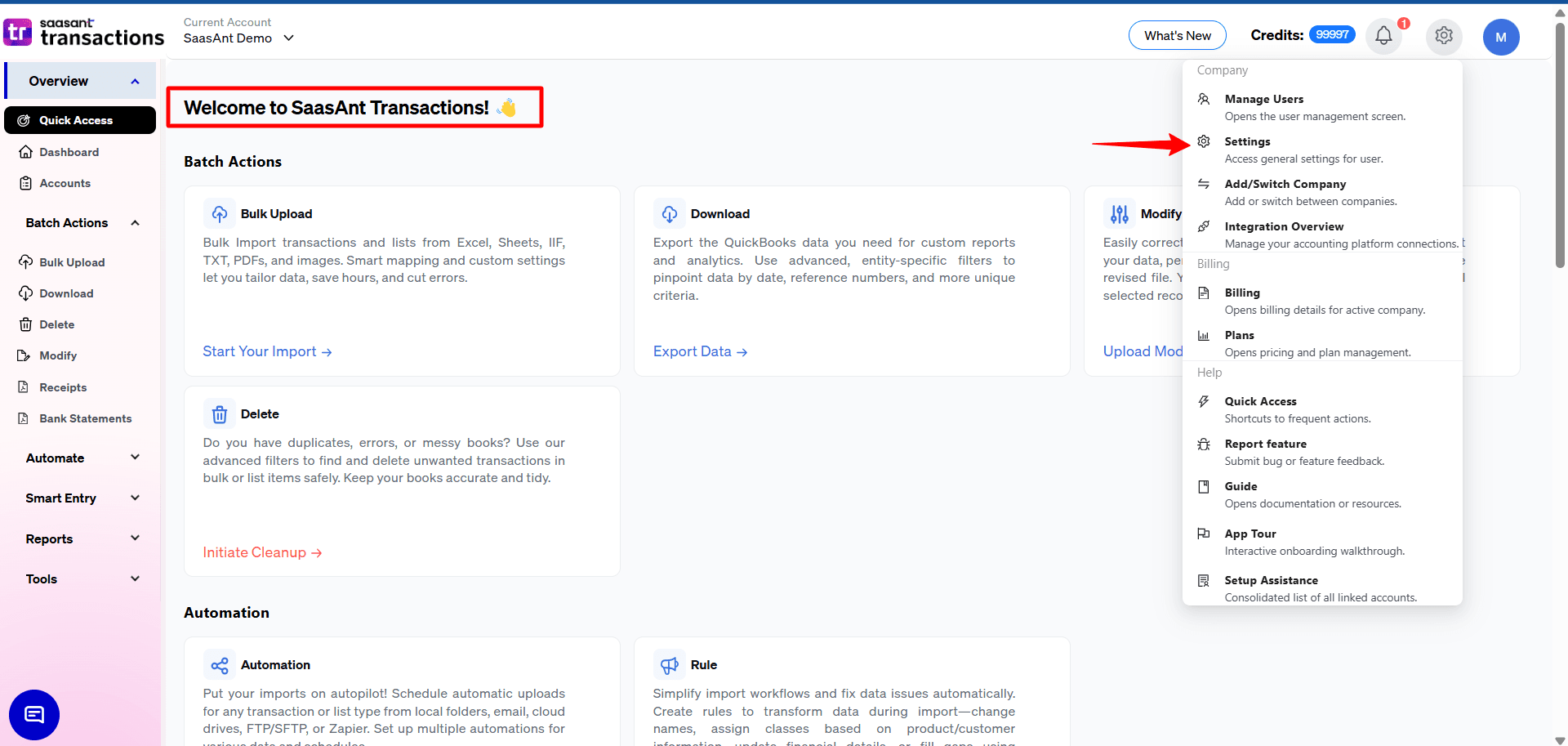
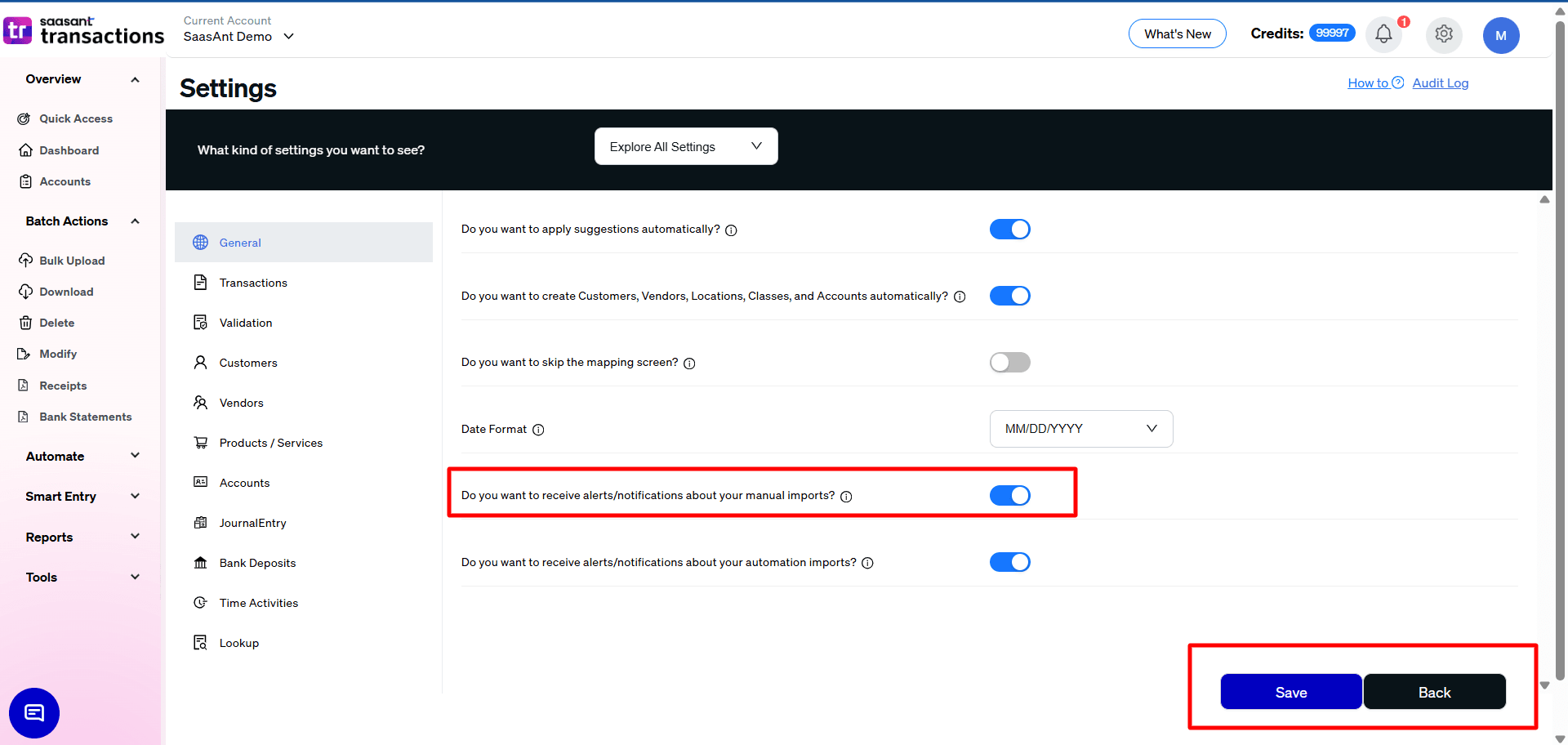
The one which we interested in currently is “Email me the Import Summary Report ”, which is available under the “General” Tab.
Sample Email
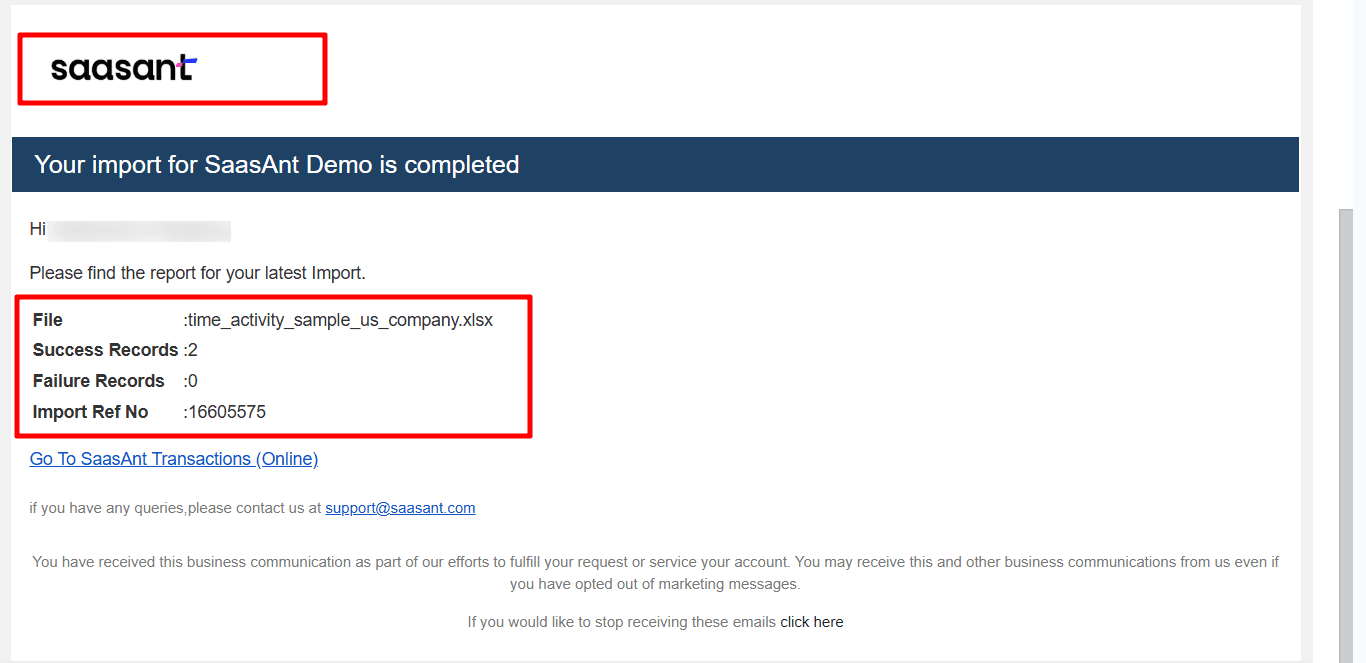
ENABLED:
You need to enable (switch on) “Email me the Import Summary Report” to receive email reports.
The email will be sent to the registered email Id. For security reasons, we didn’t provide provision to get an email id from you.
DISABLED:
If this feature is disabled (switched off), you no longer get an email from “SaasAnt Transactions (Online)”.
Don’t forget the save settings.
Refer to this link if you want to know more about other settings.