How to Connect SaasAnt Transactions Online with QuickBooks Online?
June 9, 2026
To connect your QuickBooks Online account with the SaasAnt Transactions (Online) application, you need to have the following settings.
An active Company with QuickBooks Online (accounts.intuit.com)
Required Browser (Learn more for Supported Browser Page)
Your QuickBooks Online log-in credentials as a Master Administrator, Company Administrator, or Accountant.
Watch: How to connect SaasAnt Transactions Online with your QuickBooks Online
Steps to connect QuickBooks Online with SaasAnt Transactions Online:
Follow the below steps carefully to connect your QuickBooks Online with the SaasAnt Transactions (Online) application.
Step 1: Find SaasAnt Transactions in the QuickBooks App Store.
Step 2: Click "Get App now."
Step 3: Select the company where you want to install the app.
Step 4: Authorize the connection to allow SaasAnt to communicate securely with your company file.
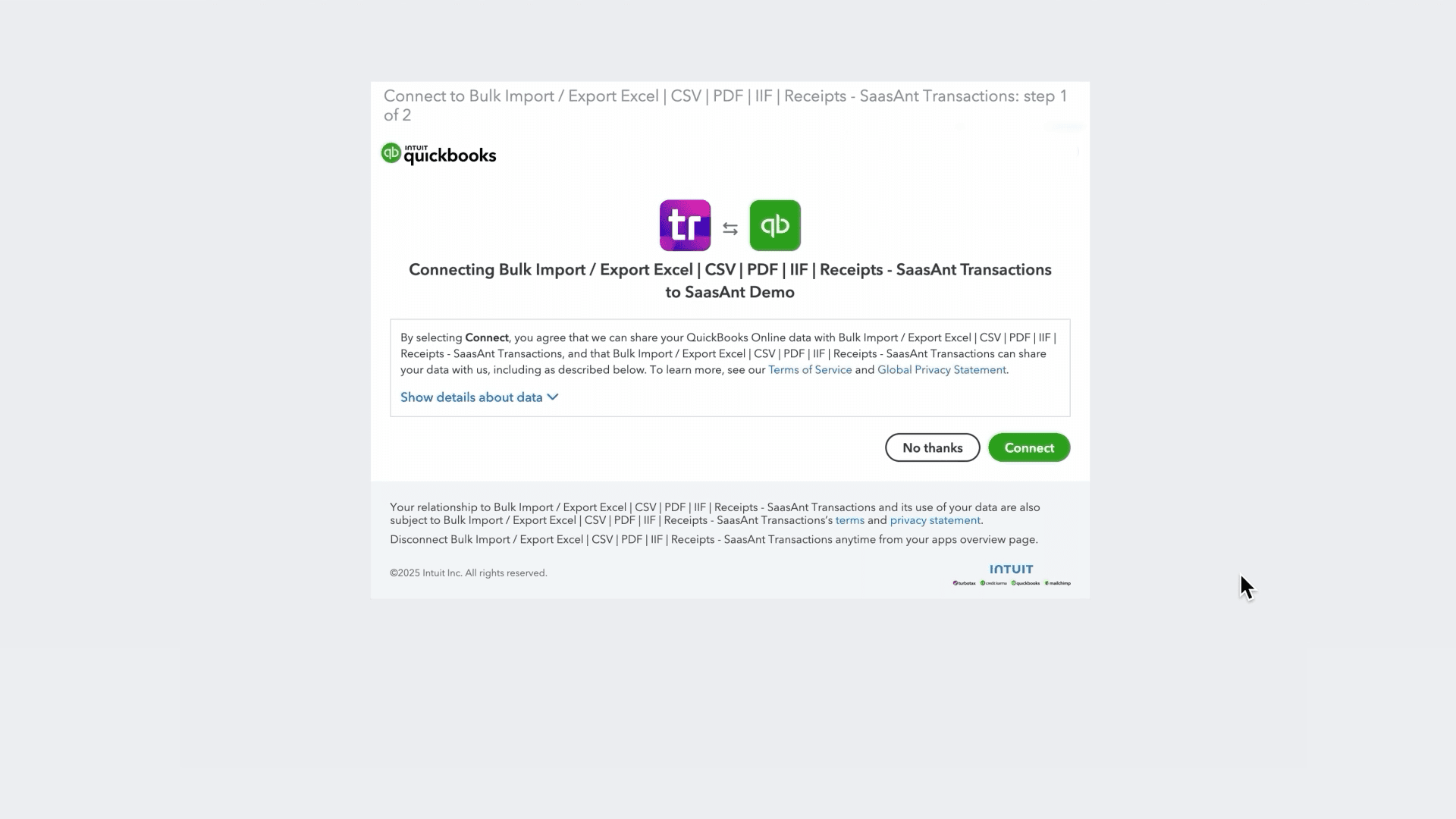
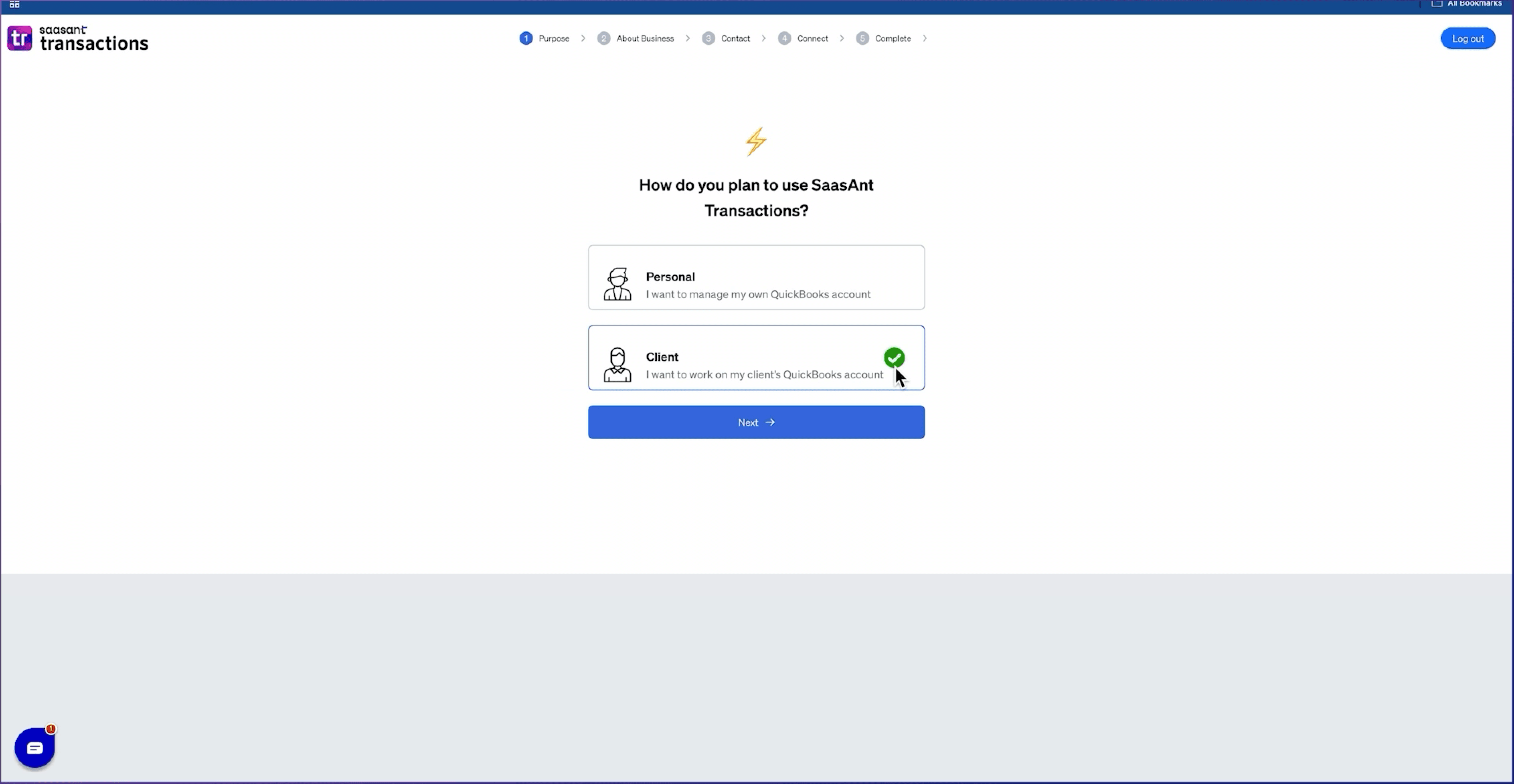
Step 5: Provide a few basic details to set up your account on the SaasAnt onboarding page.
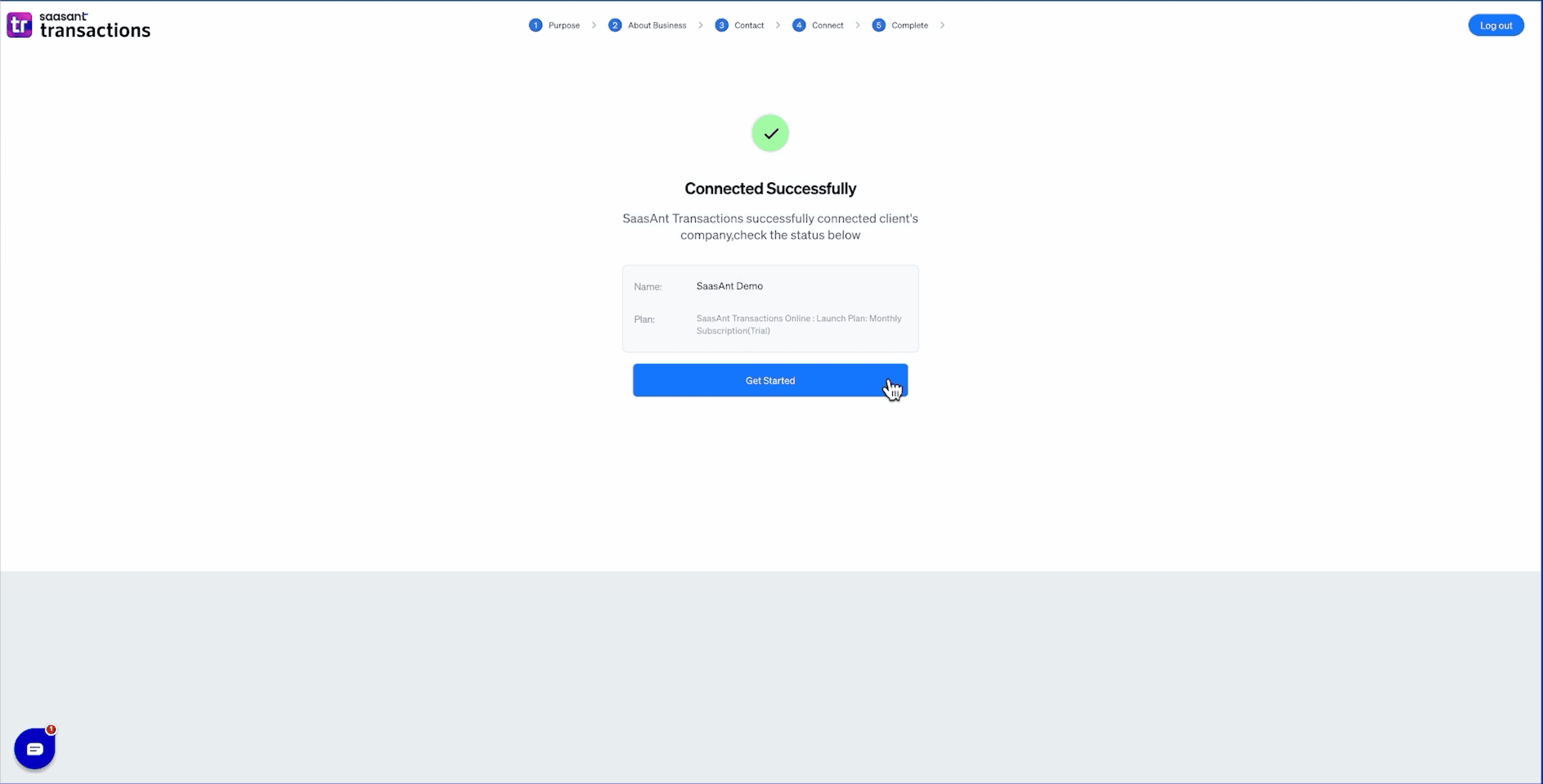
Step 6: The SaasAnt Transactions (Online) application is now connected to your QuickBooks Online company.
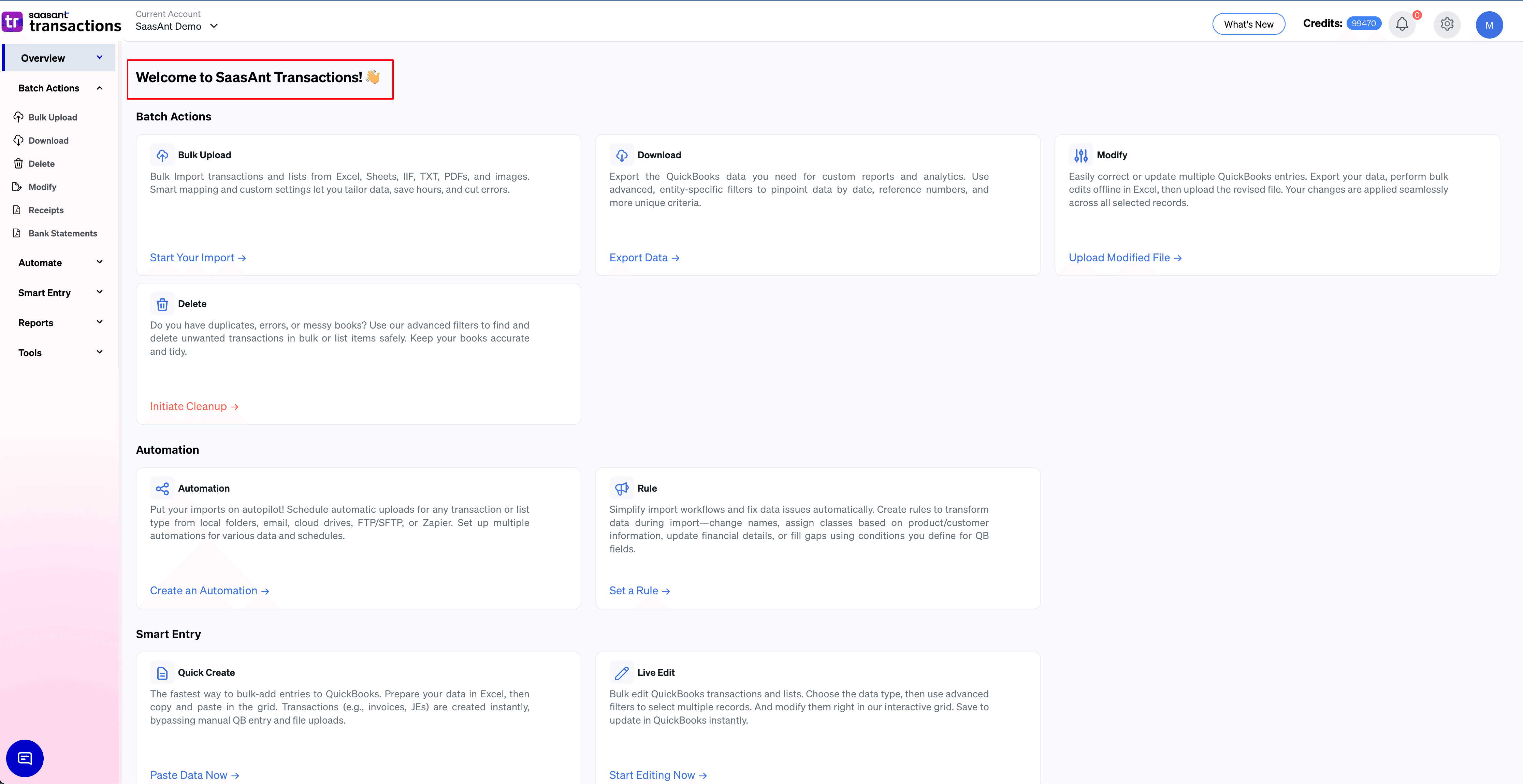
Step 7: You have now landed in the SaasAnt Transaction Online Application.
Video Tutorials:
How to Export all Transactions from QuickBooks Online using SaasAnt Transactions Online
How to Delete Multiple Transactions in QuickBooks Online using SaasAnt Transactions Online
How to Edit Data in QuickBooks Online using SaasAnt Transactions Online
How to Setup Email Automation in SaasAnt Transactions Online
How to Automate Google Drive File Imports to QuickBooks Online using SaasAnt Transactions Online
How to Automate Data Entry in QuickBooks Online using SaasAnt Transactions Online
FAQ
What file types does SaasAnt Transactions Online support for QuickBooks Online imports?
For almost all entities in QuickBooks Online, SaasAnt Transactions Online supports XLS, XLSX, XLSM, CSV, TXT, Google Sheets, and IIF. Additionally, PDF, PNG, and JPEG are supported only for Receipts, Invoices, Bank Statements, Checks, and Expenses.